E2E Data Pipeline Achieved: From S3 to Snowflake via PySpark
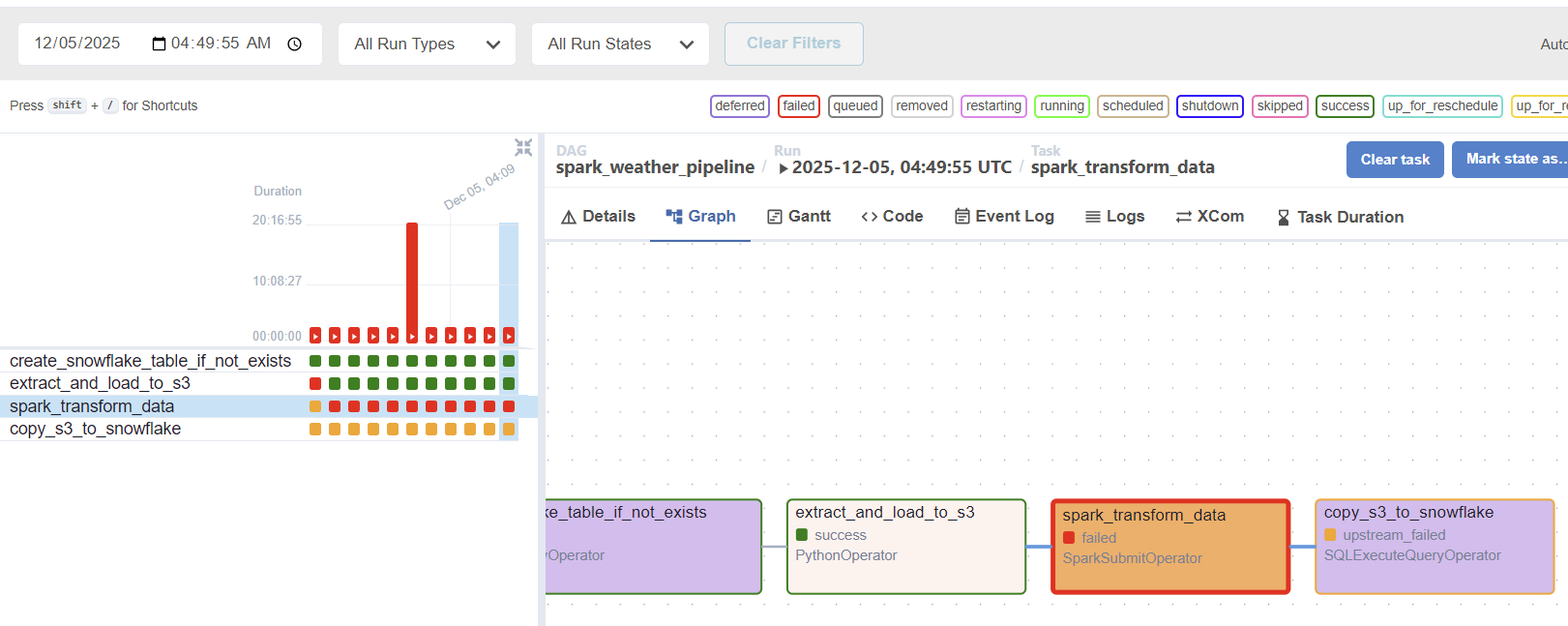
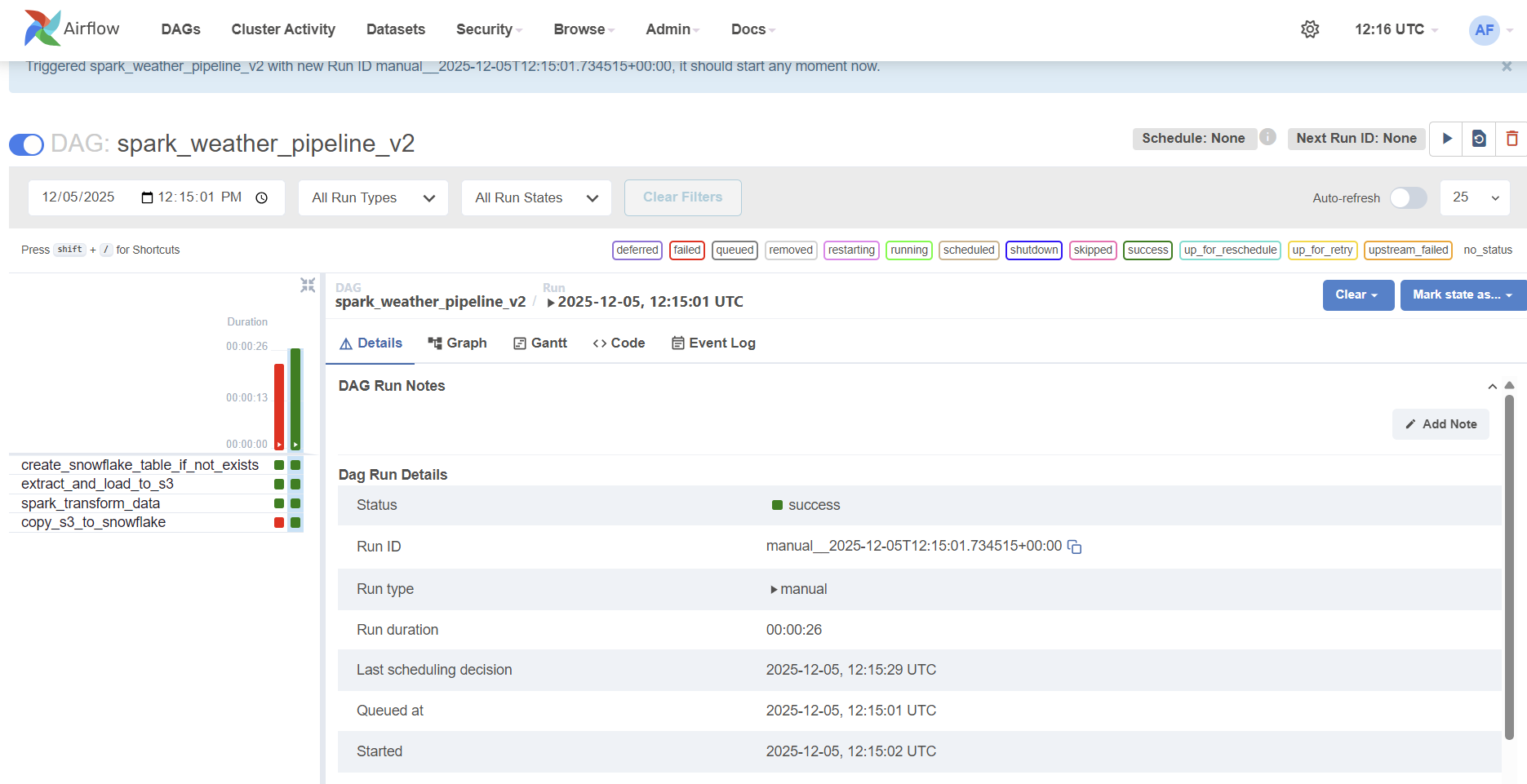
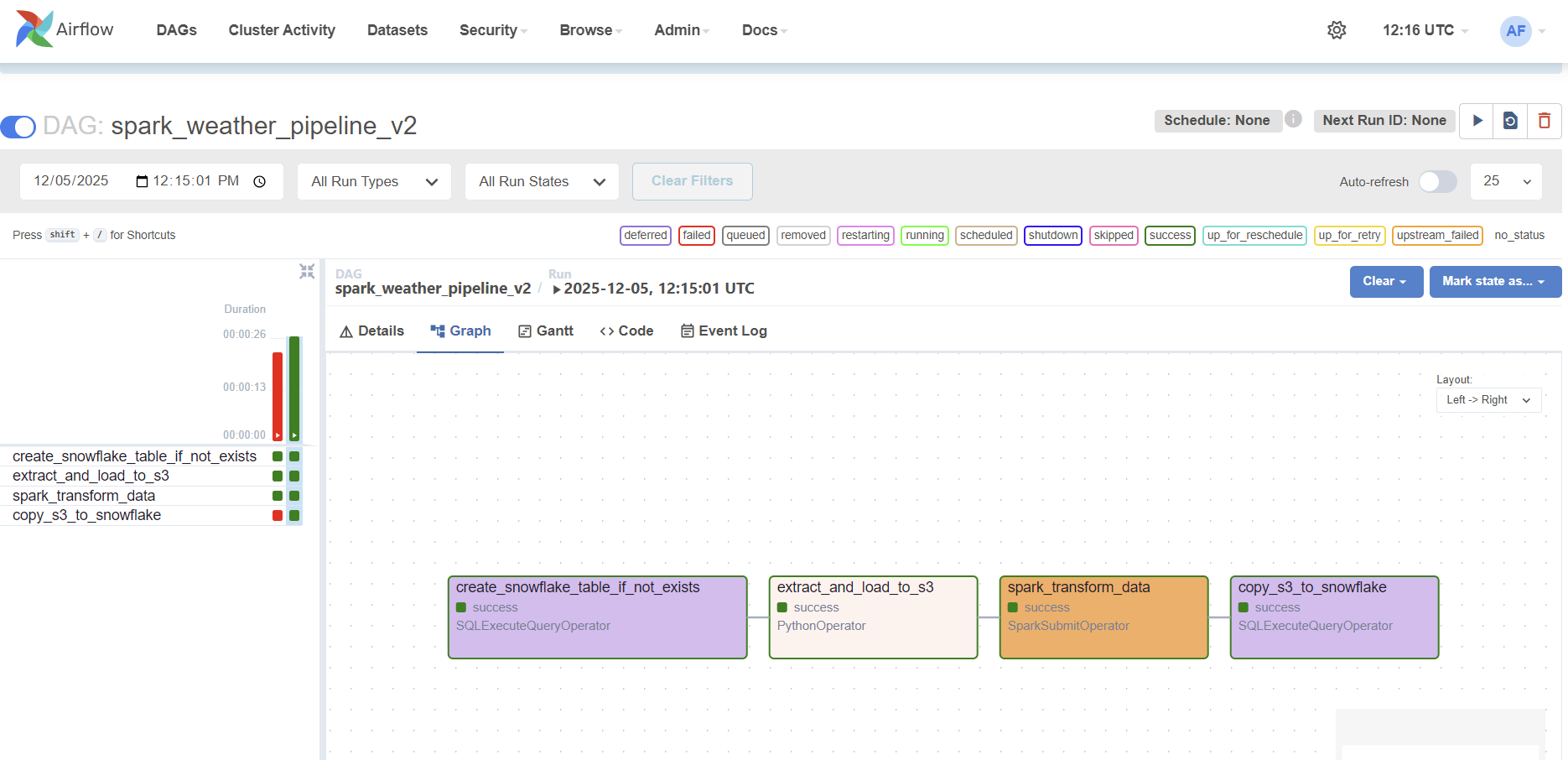
I am so happy that all four tasks are running without failing. Below I want to summarize how this project is far, and what I want to do next. Since this worked only for a single, simple data, I am looking forward to work with a MASSIVE DATA - about weather - !!
1. The Interplay: How the Four Airflow Tasks Work Together
The pipeline is managed by an Apache Airflow DAG, which orchestrates four distinct tasks (DDL, Extract, Transform, and Load) to ensure data moves seamlessly and reliably.
| Task ID | Operator | Function | Data Flow |
|---|---|---|---|
create_snowflake_table_if_not_exists |
SQLExecuteQuery | Ensures the target table exists in Snowflake. | 1. Preparation (DDL): Runs DDL to create the target table. |
extract_and_load_to_s3 |
Python | Generates dummy weather data and uploads to S3. | 2. Extract: CSV files -> S3 (Raw bucket) |
spark_transform_data |
SparkSubmit | Cleans, validates, and transforms raw data into Parquet. | 3. Transform: S3 (Raw) -> PySpark Processing -> S3 (Staging bucket) |
copy_s3_to_snowflake |
SQLExecuteQuery | Uses the Snowflake COPY INTO command for final loading. |
4. Load: S3 (Staging) -> Snowflake (Target Table) |
The Flow of Data
- Preparation (
create_snowflake_table_if_not_exists): The process begins by ensuring the target table exists in Snowflake, preparing the destination for the data. - Extraction (
extract_and_load_to_s3): This task places our source data (CSV) in the designated S3 “Raw” folder. - Processing Power (
spark_transform_data): This critical task executes a PySpark application to transform the raw CSV data into highly optimized Parquet format and places it in the S3 “Staging” folder. - Final Load (
copy_s3_to_snowflake): This final task securely references the Parquet files in our S3 Staging bucket and executes a singleCOPY INTOstatement, successfully loading the clean data into the Snowflake table.
2. Infrastructure Upgrade: Solving the Freezing Phenomenon
Throughout development, I faced severe pipeline slowdowns and failures, characterized by the EC2 instance freezing or the Spark application failing due to resource depletion.
The Bottleneck
Our initial EC2 instance (t3.small) was simply resource-starved. Spark applications, even in local[*] mode, require substantial dedicated memory (RAM) to manage the JVM overhead and process data efficiently. The limited resources led to constant pipeline failures and freezing during the CPU-intensive Spark task.
The Solution: Upgrading to M7i-Flex.Large
The decisive fix was to upgrade our EC2 instance to the m7i-flex.large type.
| Previous Instance | New Instance | Key Impact on Pipeline |
|---|---|---|
t3.small |
m7i-flex.large |
Guaranteed Memory (8GB RAM) and dedicated CPU resources. |
By providing the necessary infrastructure, the upgrade eliminated all resource contention. The m7i-flex.large allowed the Spark application to run successfully without being terminated by the operating system, enabling us to isolate and resolve the final software configuration issues.
The successful execution of all four tasks proves that robust data engineering requires not only elegant code but also well-provisioned and appropriate infrastructure.
Below are the screenshots I took. It took a lot to solve with task on spark.